

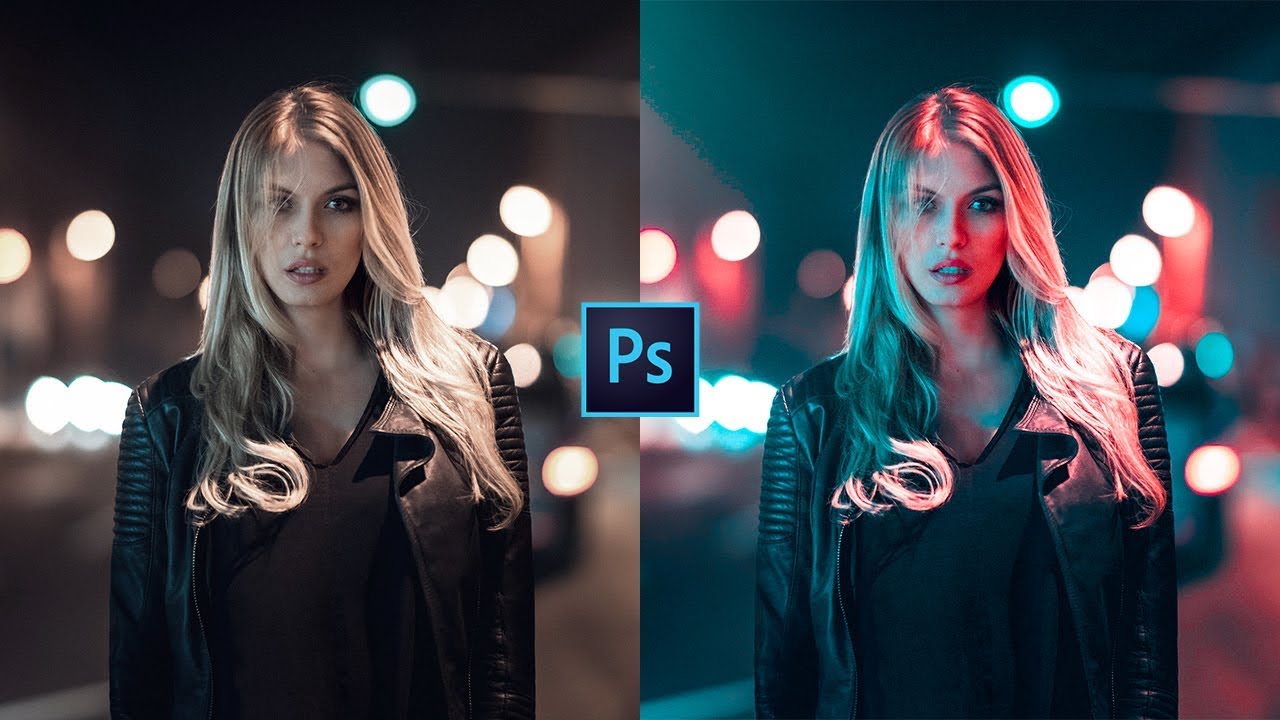
About Course
This course will allow you to use Photoshop professionally in your work and start making money from your designs or apply the knowledge gained in your design and photography hobbies. In this course you will receive the necessary practices and tools for fast and most importantly productive work in Photoshop. You will create many of your own projects that you can add to your portfolio, which will undoubtedly help in finding a job or your freelance portfolio.
This course is designed for beginners and you do not need any additional knowledge in Photoshop, photography or design. We’ll start at the beginning and move forward step by step on the path to becoming a confident user of the program. You’ll learn Photoshop secrets that will magically enhance our backgrounds and, if necessary, remove people from images entirely. If you’ve never opened Photoshop before or are already trying it out but are struggling with the basics, you need this course and together we’ll learn how to make beautiful images and achieve the graphic effects we need!
Course Content
Introduction
-
Course Advertising
-
A few words about the course
-
Where and how to purchase licensed Photoshop in Russia
-
How to set up Photoshop for successful completion of the course
-
Stay in touch with me
-
Where to look for images and inspiration
Layers
Colors and adjustment layers
Working with Shapes in Photoshop
Work with text
Layer Styles
Cropping images
Selection and Masks
Filters
Smart objects
Photo retouching
Warp and distortion
Necessary theory
Blend Modes
Visual styles
Brushes
Shadows
Student Ratings & Reviews
